How to Use the Topic Library and Agent in Typoro
Typoro helps you save and reuse your best ideas by turning your topics into ready-to-use posts. Here’s how it works:
Save a Topic to Your Library
- Go to app.typoro.com and log in.
-
In the left-hand menu, select Create.
Start writing a post as usual.
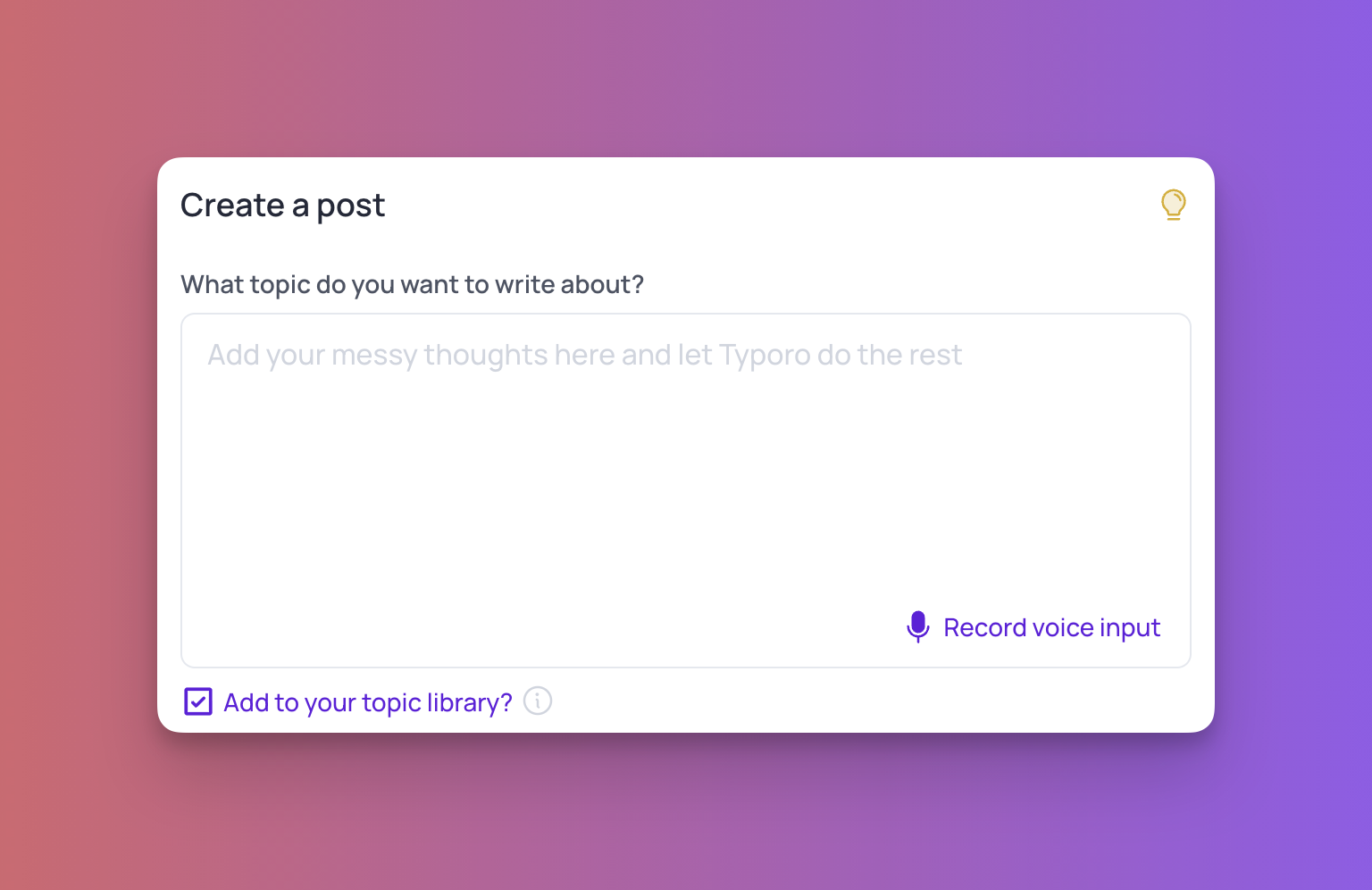
Before you click Create Post, check the box labeled Add to your topic library.
- This saves your idea for future use by Typoro’s Agent.
View Your Saved Topics
-
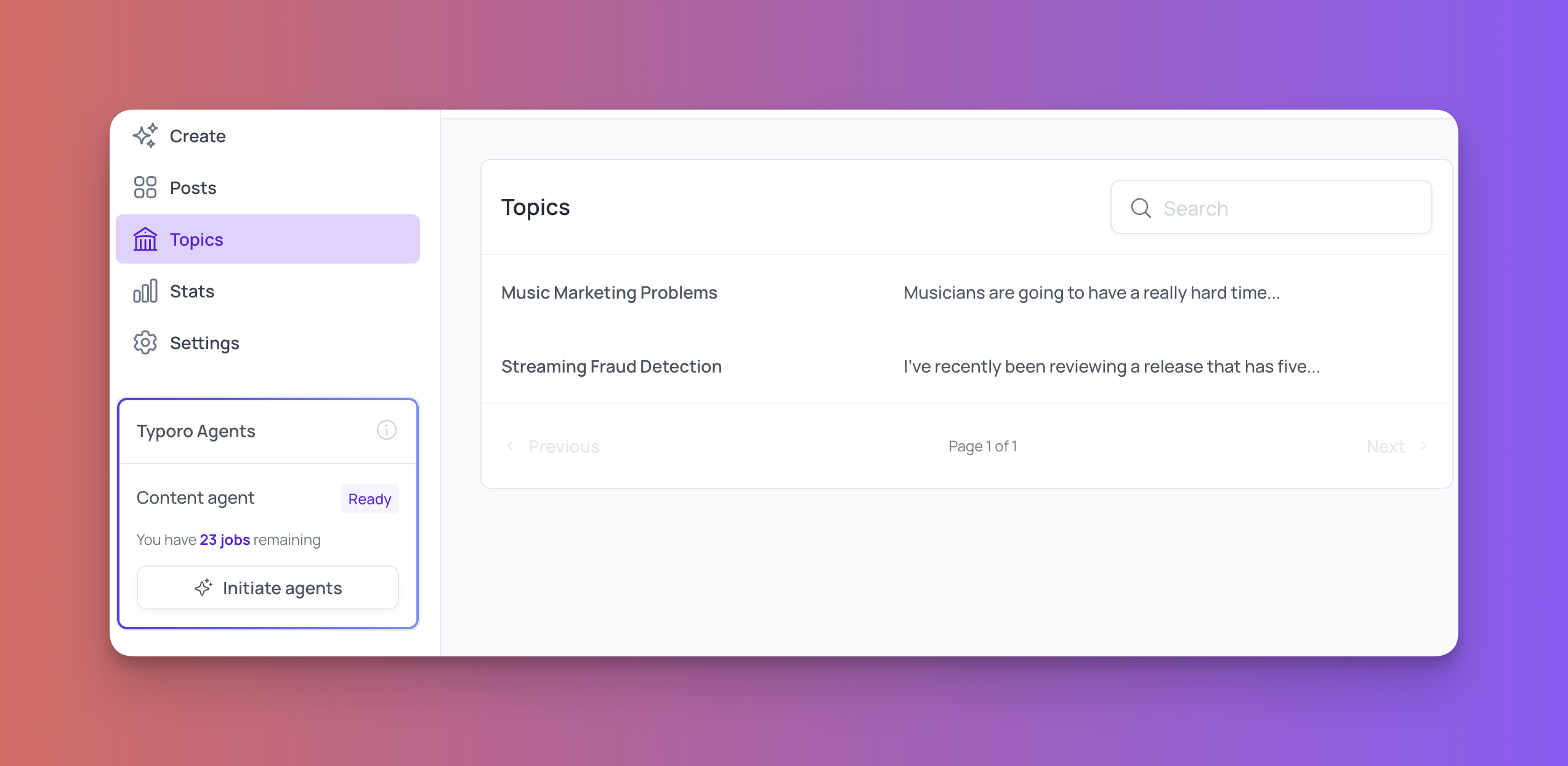
In the left-hand menu, click Topics.
You’ll see a list of all the topics you’ve saved.
- You can browse or reuse them anytime.
Create a Post from a Saved Topic
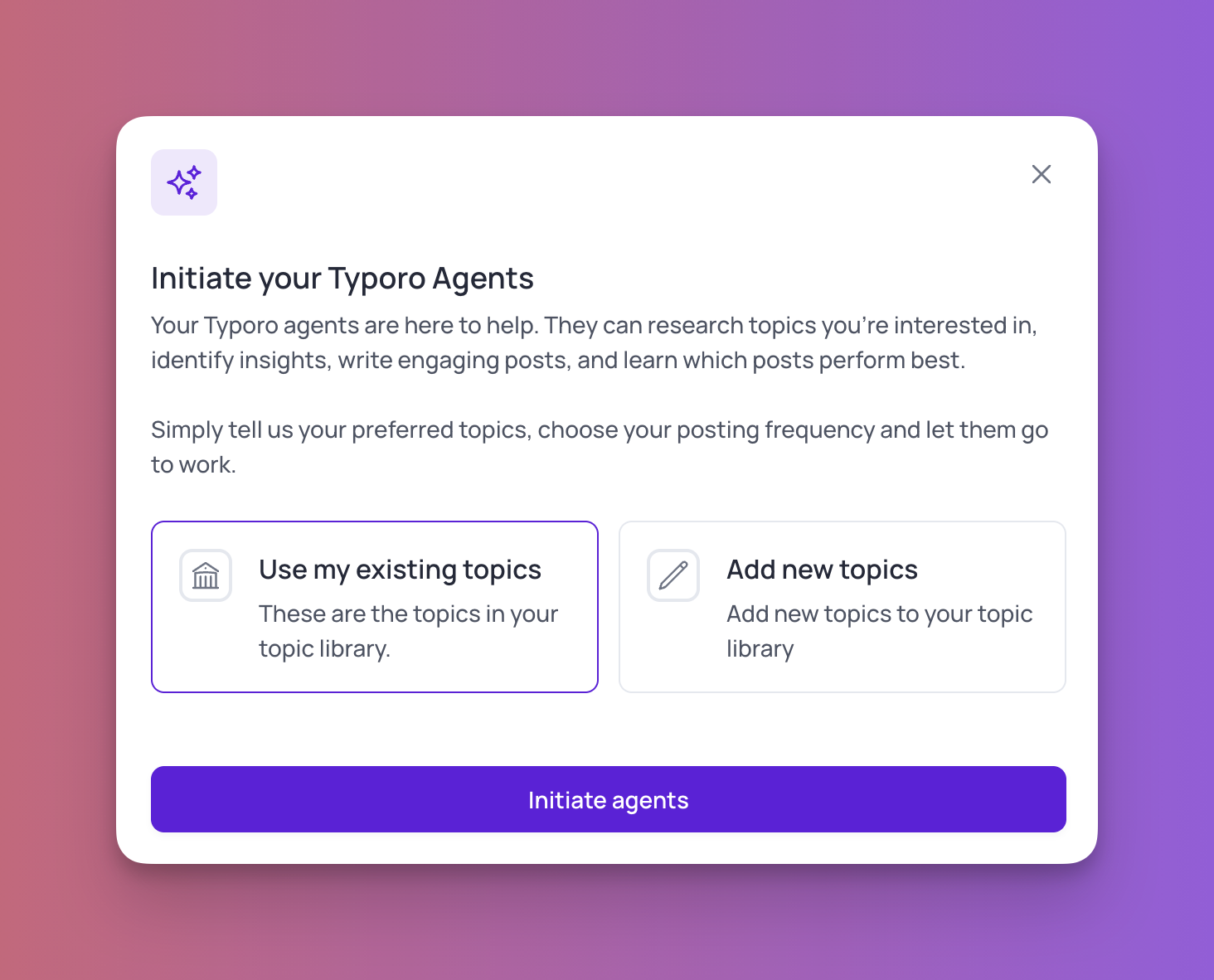
- From the bottom-left menu, click Initiate Agent.
- Choose Use existing topics.
- Select a topic from your library and press Initiate Agent.
- Typoro’s Agent will automatically write a new LinkedIn post based on your chosen idea.