
How to Find Your Published Post Link in Typoro
Once your post has been created and published to LinkedIn, you can easily access the live link directly from Typoro.
Follow these steps:
- Go to your Posts section in Typoro.
- Locate the post that has been published.
- Click the three dots in the top-right corner of that post.
- Select Link from the dropdown menu.
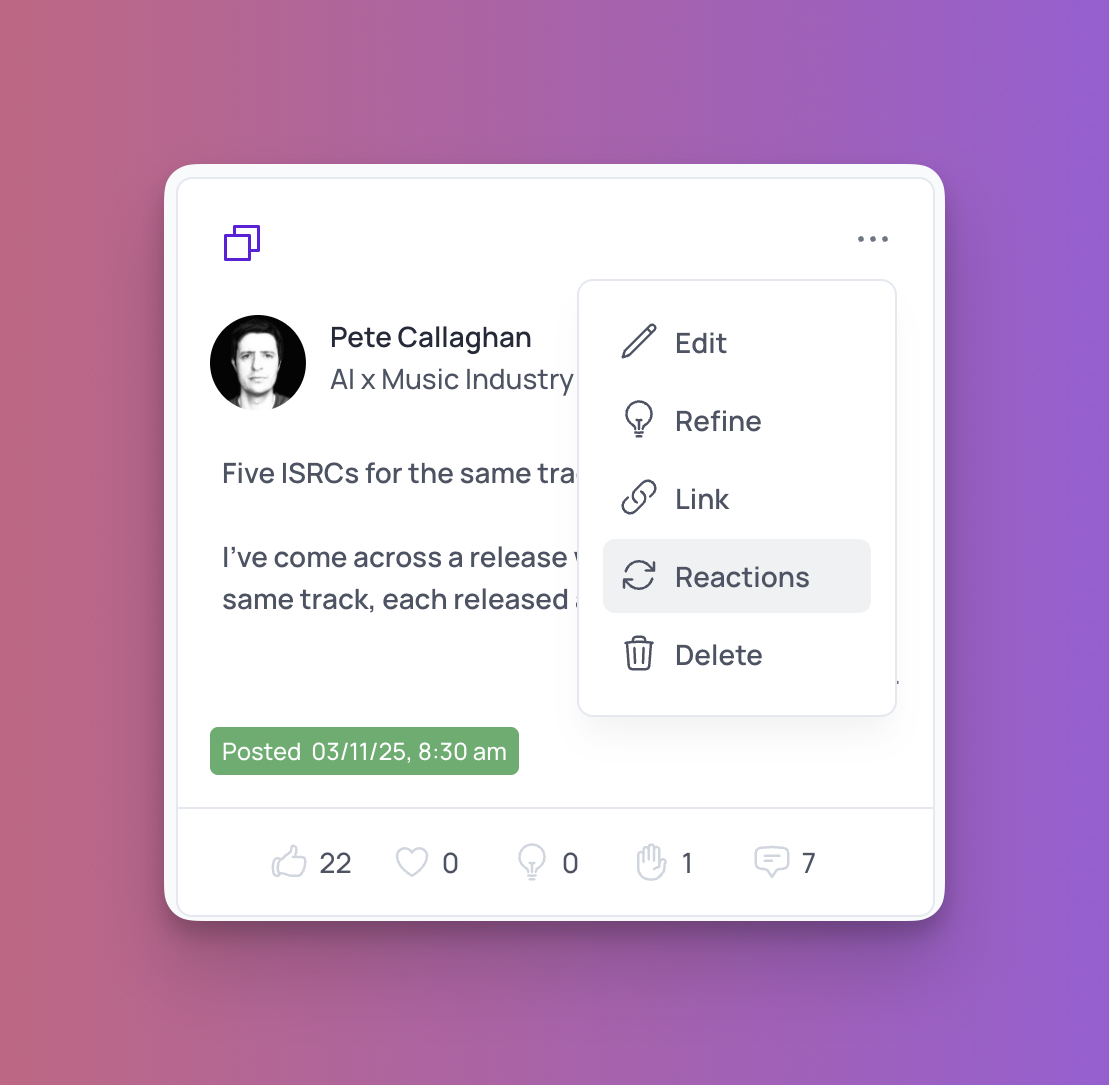
Typoro will then redirect you to LinkedIn and open your post directly on their platform. This is the quickest way to view or share your live post.